
 Contact
 Cum să cumpăr
Livrare
Consilier de cumpărături
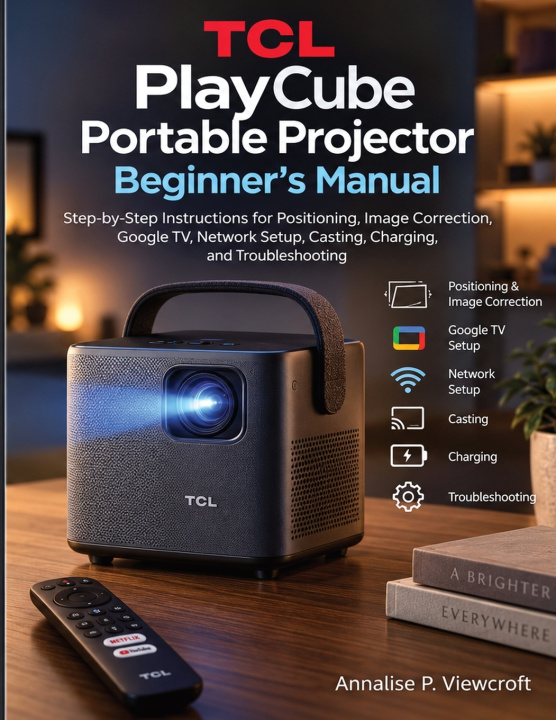
TCL PlayCube Portable Projector Beginner's Manual
Step-by-Step Instructions for Positioning, Image Correction, Google TV, Network Setup, Casting, Charging, and Troubleshooting
 engleză
 51 b
51 b
 Nou
Nou
Până la 30 de zile pentru returnare

ne projector. Different rooms. Different walls. Different networks. Different devices.
That is where a portable projector either becomes genuinely convenient-or starts demanding more attention than the movie itself.
The TCL PlayCube Portable Projector Beginner's Manual is arranged around the situations owners repeatedly face after unboxing, so you can go straight to the task in front of you instead of working through pages of unrelated information.
PLACE IT
Learn how projector position, distance, angle, and viewing surface influence the picture before you begin changing settings. Whether the PlayCube is being used in a bedroom, living room, temporary setup, or another location, the handbook helps you start from a better physical position.
SHAPE THE PICTURE
A tilted or uneven image does not mean you have to accept a crooked screen. Work through focus, image correction, and keystone adjustments with a clearer understanding of what each control is actually correcting.
GET IT ONLINE
Move through network setup and the Google TV interface with less trial and error. The instructions help you understand the steps involved in getting connected, navigating the smart platform, and preparing the projector for everyday streaming use.
MOVE CONTENT TO THE SCREEN
Casting can involve more than pressing one icon. This handbook helps you think through the projector, the network, and the source device separately so connection problems are easier to isolate when something refuses to appear.
PLAN FOR PORTABLE USE
Check charging status, prepare for battery-powered viewing, and make better decisions about when an outlet may still be necessary. Portability becomes much more useful when power planning is part of the setup rather than an afterthought.
FIX THE RIGHT PROBLEM FIRST
When something stops working, identify whether the issue is connected to the picture, network, controls, casting, or power before changing unrelated settings. The troubleshooting guidance is designed to help you narrow the cause instead of experimenting blindly.
This handbook is especially suitable for first-time projector owners, families moving the unit between spaces, travelers, casual outdoor viewers, and anyone who prefers instructions written around real setup situations rather than technical specifications alone.
Keep the screen flexible without letting the setup become complicated. Use this handbook to move, correct, connect, cast, and recover with far more confidence wherever the next viewing session happens.
This book is an independently created reference and is not affiliated with, authorized by, endorsed by, or sponsored by TCL, Google, or their respective affiliated companies. TCL, PlayCube, Google TV, and other mentioned product or service names and trademarks belong to their respective owners. Official manufacturer and service-provider documentation should be consulted for current specifications, software features, supported services, safety instructions, warranty conditions, regional availability, and firmware updates.


Informații despre carte
engleză

Dăruiește această carte chiar astăzi
Este foarte ușor
1 Adaugă cartea în coș și selectează Livrează ca un cadou 2 Îți vom trimite un voucher în schimb 3 Cartea va ajunge direct la adresa destinataruluiBună ziua! Sunt Libroamiko, consilierul dumneavoastră de cărți.
Cu ce vă pot ajuta?