
 Contact
 Cum să cumpăr
Livrare
Consilier de cumpărături
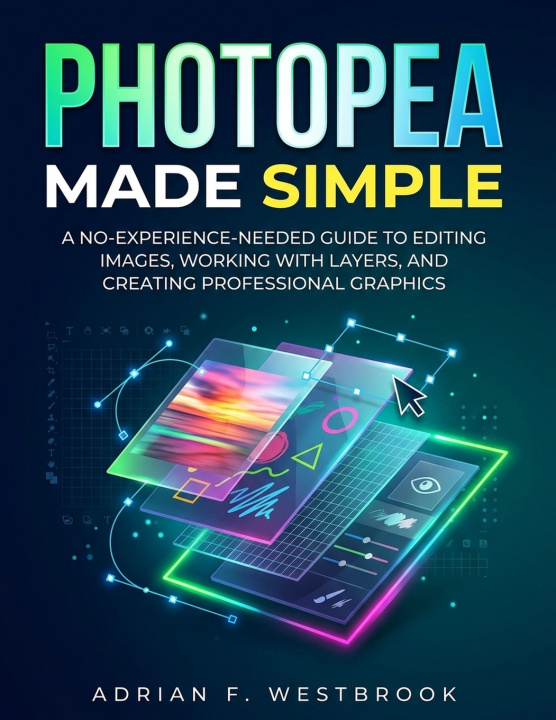
Photopea Made Simple
A No-Experience-Needed Guide to Editing Images, Working with Layers, and Creating Professional Graphics
 engleză
 59 b
59 b
 Nou
Nou
Până la 30 de zile pentru returnare

Photopea Made Simple is a practical, beginner-friendly guide to the free online image editor Photopea. Designed for absolute beginners, it requires no prior experience with Photoshop or any other editing software.
The book opens by explaining what Photopea is: a powerful, browser-based editor that closely mirrors Adobe Photoshop's interface and features while remaining completely free and installation-free. It works on any modern computer or tablet and supports PSD files, layers, masks, adjustment layers, smart objects, and a wide range of export formats. Readers learn who the guide is for-students, hobbyists, photographers, designers, marketers, and anyone needing professional results without paid software-and what they will achieve: confident navigation of the interface, non-destructive editing with layers, photo retouching, graphic design, and polished final images ready for web, print, or social media.
Chapter 2 provides a thorough orientation to the Photopea workspace. Readers explore the main layout (toolbar, options bar, canvas, and side panels), learn how to select and configure tools, and master the essential Layers, History, and Properties panels. Clear instructions cover zooming, panning, and temporary navigation shortcuts, plus practical advice on customizing the workspace and using the most important keyboard shortcuts. Common beginner pitfalls-such as editing the wrong layer, working on locked backgrounds, or losing panels-are identified and solved with simple habits that prevent frustration.
Throughout the guide the emphasis remains practical and hands-on. Each concept is explained in plain language, reinforced with step-by-step techniques, and designed so readers can open Photopea and immediately apply what they learn. The goal is not exhaustive feature lists but real-world skill: opening and organizing multi-layer documents, making non-destructive edits, and producing professional-looking graphics with confidence.
By the end of the early chapters, readers have a solid foundation in the interface and core workflow. They are prepared to move on to selections, retouching, text, shapes, adjustments, and complete projects-always working inside a free tool that stays available whenever an internet connection is present.


Informații despre carte
engleză

Dăruiește această carte chiar astăzi
Este foarte ușor
1 Adaugă cartea în coș și selectează Livrează ca un cadou 2 Îți vom trimite un voucher în schimb 3 Cartea va ajunge direct la adresa destinataruluiBună ziua! Sunt Libroamiko, consilierul dumneavoastră de cărți.
Cu ce vă pot ajuta?