
 Contact
 Cum să cumpăr

Livrare
Consilier de cumpărături
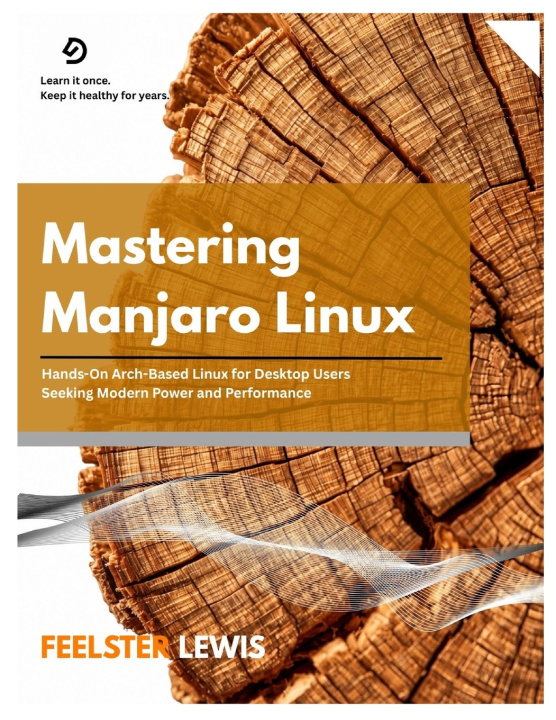
Mastering Manjaro Linux
Hands-On Arch-Based Linux for Desktop Users Seeking Modern Power and Performance
 engleză
 62 b
 Curând
 Nou
Până la 30 de zile pentru returnare

Most Linux distributions force a choice: software that stays current, or a system that keeps booting. Manjaro refuses the trade. It takes the raw power of Arch Linux and runs it through a staging process, its own repositories, and a kernel policy that never moves you to a new series without your consent. The result is a desktop that stays fresh without treating you as a beta tester.
Here is a definition worth the price of the book. A partial upgrade is what happens when you refresh the package database and install a single package without upgrading the rest of the system. On a rolling release, packages are rebuilt against new libraries as a synchronized set. Upgrade one piece in isolation and the dependency graph breaks - the repositories never shipped that combination, and they cannot support it. The command that creates it is pacman -Sy . The command that repairs it is a full pacman -Syu. Knowing which is which is the difference between a routine update and an afternoon in a rescue shell.
If that caught your attention - if you would rather understand the machinery than copy commands until something works - this book is for you.
The pain point is the one every Arch-based newcomer hits: documentation written for people who already know the answer, advice that assumes a terminal you have never opened, and a system that breaks in ways nobody warned you about. You wanted the speed and the control without the trial by fire, and you found tutorials that stop exactly where the hard part begins.
Mastering Manjaro Linux closes that gap. It covers hardware assessment before you touch an installer, manual partitioning with the flags that actually matter, driver configuration through the hardware detection layer, kernel transitions on your own schedule, encrypted storage, backups that survive a dead disk, and recovery procedures for the boot failures that no guide seems to mention. Every procedure is explained by the reasoning behind it, so the knowledge transfers instead of evaporating.
Each chapter carries hands-on exercises that turn reading into practice, and Common Pitfalls sections that describe the failures people actually encounter - the 100 MB EFI partition that fills on the second kernel, the usermod command missing its -a flag, the NVIDIA branch that turns a working laptop into a black screen.
This is the book you keep beside the machine, not on a shelf.


Informații despre carte
engleză

Dăruiește această carte chiar astăzi
Este foarte ușor
1 Adaugă cartea în coș și selectează Livrează ca un cadou 2 Îți vom trimite un voucher în schimb 3 Cartea va ajunge direct la adresa destinataruluiBună ziua! Sunt Libroamiko, consilierul dumneavoastră de cărți.
Cu ce vă pot ajuta?