
 Contact
 Cum să cumpăr

Livrare
Consilier de cumpărături
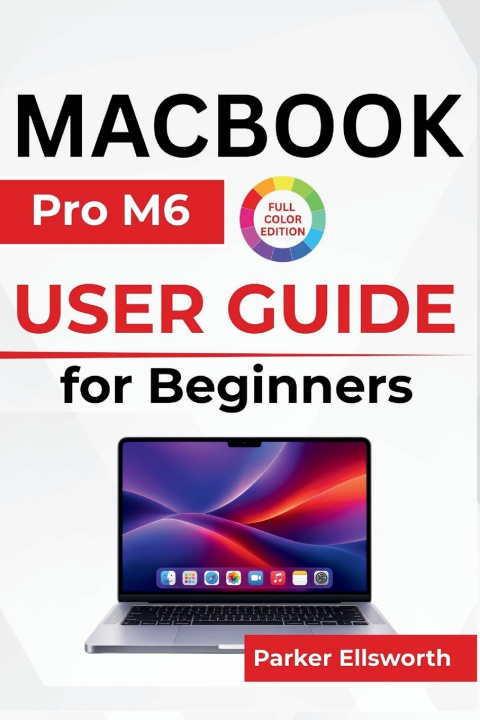
MacBook Pro M6 USER GUIDE For Beginners
Navigating macOS, Using Siri and Apple Intelligence, Managing Files, Exploring Creative Tools, and Personalizing Everyday Settings
 engleză
 69 b
 Curând
 Nou
Până la 30 de zile pentru returnare

Your new MacBook Pro M6 is ready for more than just everyday computing. Are you ready to discover what you can do with it?
With the M6 chip, a stunning Liquid Retina XDR display, macOS 27, and intelligent tools designed to make everyday tasks easier, the MacBook Pro M6 brings together performance, creativity, and convenience in one powerful laptop. But getting familiar with a new Mac can take time, especially when you are learning its controls, exploring unfamiliar settings, or switching from another computer.
MacBook Pro M6 User Guide for Beginners helps you become comfortable with your device, understand its important features, and develop the confidence to handle everyday activities independently.
From your first startup to organizing documents, using Siri and Apple Intelligence, connecting accessories, and protecting personal information, this guide focuses on practical tasks you can put to use.
Inside, you'll learn how to:
Get started with confidence: Set up your Mac, connect to Wi-Fi, sign in to your Apple Account, and transfer important files.
Navigate with ease: Use the keyboard, trackpad gestures, Finder, Dock, and essential shortcuts to move around your Mac comfortably.
Explore intelligent assistance: Use Siri, Writing Tools, and supported Apple Intelligence features for writing, information, and everyday activities.
Make your Mac feel personal: Adjust display settings, customize your desktop, manage notifications, and explore accessibility options.
Handle everyday work: Install applications, organize documents, browse with Safari, manage emails, and work with multiple windows.
Connect and create: Use Bluetooth accessories, external displays, AirDrop, FaceTime, Photos, and built-in media tools.
Keep your information protected: Set up Touch ID, manage privacy settings, use Find My, and back up important files.
Solve common problems: Manage battery life and storage, update software, and troubleshoot connectivity, charging, and application issues.
Whether this is your first MacBook or you are moving from an older computer, this guide gives you a practical starting point for exploring the M6 generation at your own pace.
Your MacBook Pro M6 has plenty to offer. Start exploring its features, make it your own, and turn that exciting first experience into everyday confidence.


Informații despre carte
engleză

Dăruiește această carte chiar astăzi
Este foarte ușor
1 Adaugă cartea în coș și selectează Livrează ca un cadou 2 Îți vom trimite un voucher în schimb 3 Cartea va ajunge direct la adresa destinataruluiBună ziua! Sunt Libroamiko, consilierul dumneavoastră de cărți.
Cu ce vă pot ajuta?