
 Contact
 Cum să cumpăr
Livrare
Consilier de cumpărături
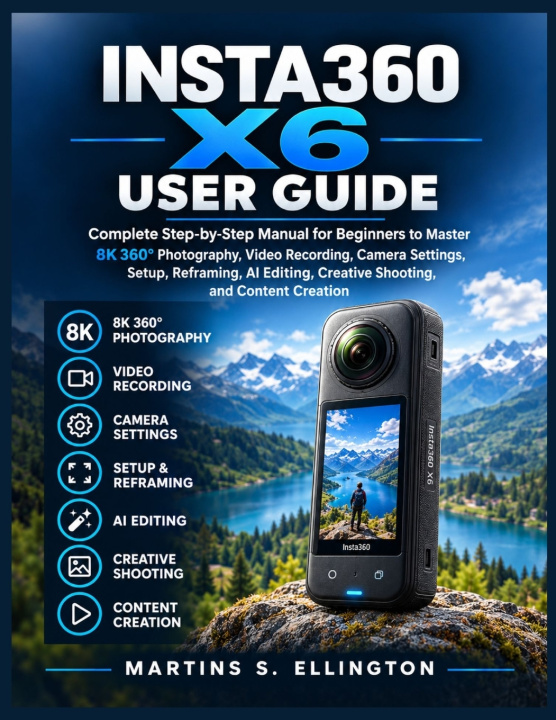
INSTA360 X6 USER GUIDE
Complete Step-by-Step Manual for Beginners to Master 8K 360° Photography, Video Recording, Camera Settings, Setup, Reframing, AI Editing, Creative Shooting, and Content Creation
 engleză
 65 b
65 b
 Nou
Nou
Până la 30 de zile pentru returnare

Get more from your Insta360 X6 and stop wondering if you are using it to its full potential.
The X6 gives you many ways to capture and create, but having all those options does not automatically make them easy to use. The real difference comes from knowing which mode fits the moment, which settings matter, how to position the camera, and what to do with your footage afterward.
This guide takes you through that entire process.
From first setup to advanced shooting and editing, you will learn to use the X6 in a practical way instead of simply reading a list of features. The explanations are clear for beginners, while the technical details and workflows give you room to keep learning.
Inside, you will learn how to:
- Set up and operate the X6 including the touchscreen, controls, battery, storage, and essential settings
- Choose the right resolution, frame rate, exposure, ISO, shutter speed, white balance, and color options
- Get more from 8K 360-degree video and high-resolution 360-degree photography
- Use PureVideo and Auto PureVideo in darker or more challenging conditions
- Put Timelapse, TimeShift, Bullet Time, Starlapse, Loop Recording, and Road Mode to practical use
- Know when Flat Video, FreeFrame Video, and InstaFrame 2.0 are the better choice
- Position the camera and invisible selfie stick for better perspective and cleaner stitching
- Improve results with stabilization, Horizon Lock, audio controls, and wind-noise reduction
- Connect the camera to the Insta360 app and manage recordings on a smartphone
- Reframe 360-degree footage after recording to create different views and formats
- Work with tracking, keyframes, AI-assisted editing, and other useful editing tools
- Move original footage to a computer and use Insta360 Studio for a larger editing and export workflow
- Understand I-Log and its place in a more advanced color workflow
- Create vertical social media content and widescreen content for different platforms
- Solve common problems involving storage, battery, connections, stitching, audio, recording, and exporting
What makes this guide especially useful is that you are not only shown what a setting does. You learn when to use it and what it changes in your final result, including how your capture-mode choices affect reframing and editing later.
The X6 can handle travel, vlogging, action footage, everyday moments, low-light scenes, creative effects, and social content. The right approach can change from one situation to another, and this guide helps you make that decision before you record.
You will also find practical guidance for camera positioning, stitching, lens protection, storage, battery management, audio, file organization, mobile editing, desktop editing, and export settings. These details can make the difference between simply owning the camera and knowing how to use it.
The guide is designed to grow with you. Start with the fundamentals, follow the practical steps, and return to the advanced sections as your experience increases. You do not need previous 360-camera experience, but you also will not be left with only basic explanations when you are ready to go further.
One camera can give you many ways to create. Knowing which one to use is what makes the difference.
If your X6 is already in your hands, this guide gives you a practical reference for getting started, improving your shooting, working with your footage, and building a workflow you can use again and again.
Get the guide, start with the fundamentals, and make your next recording more intentional than the last.


Informații despre carte
engleză

Dăruiește această carte chiar astăzi
Este foarte ușor
1 Adaugă cartea în coș și selectează Livrează ca un cadou 2 Îți vom trimite un voucher în schimb 3 Cartea va ajunge direct la adresa destinataruluiBună ziua! Sunt Libroamiko, consilierul dumneavoastră de cărți.
Cu ce vă pot ajuta?