
 Contact
 Cum să cumpăr
Livrare
Consilier de cumpărături
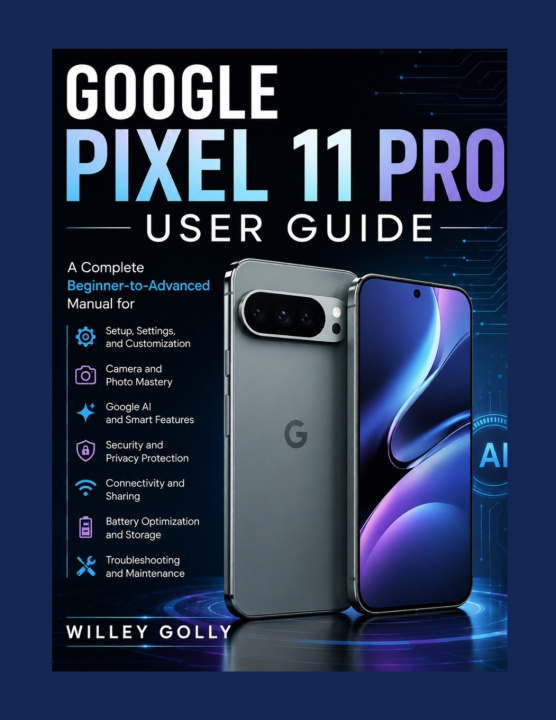
Google Pixel 11 Pro User Guide
A Complete Beginner-to-Advanced Manual for Setup, Settings, Camera, Google AI, Security, Connectivity, Battery, and Troubleshooting
 engleză
 47 b
47 b
 Nou
Nou
Până la 30 de zile pentru returnare

Google Pixel 11 Pro User Guide
A Complete Beginner-to-Advanced Manual for Setup, Settings, Camera, Google AI, Security, Connectivity, Battery, and Troubleshooting
Ready to get more from your Google Pixel 11 Pro? Google Pixel 11 Pro User Guide is a practical, easy-to-follow manual designed to help you understand your smartphone from the basics to its more advanced capabilities.
Whether you are setting up your Pixel 11 Pro for the first time or looking to discover features you have not yet explored, this guide takes you through the essential functions in a clear, practical way. Instead of overwhelming you with unnecessary technical language, it focuses on useful instructions and everyday solutions.
Inside this guide, you will learn how to:
Set up your Google Pixel 11 Pro correctly from the beginning
Navigate the Android interface, Home screen, apps, notifications, and Quick Settings
Install, update, organize, and manage applications
Use your Google Account, Gmail, Google Drive, Calendar, Contacts, and other Google services
Master the Pixel camera for everyday photography and video recording
Capture portraits, low-light photos, selfies, and better everyday images
Record, edit, organize, share, and back up photos and videos
Explore Google AI, Gemini, Circle to Search, and other smart features
Use AI tools for productivity, writing, searching, and everyday tasks
Connect to Wi-Fi, mobile networks, Bluetooth devices, and compatible accessories
Manage battery usage, charging, storage, downloads, and device performance
Protect your personal information with screen locks, biometrics, permissions, and Google Account security
Customize the display, sound, notifications, lock screen, and accessibility features
Use multitasking, file management, casting, voice features, and productivity tools
Troubleshoot common problems involving apps, networks, charging, cameras, and performance
Back up your important information and understand the steps involved in resetting and restoring your device
Designed for Practical UseThis book follows a logical progression, making it suitable for beginners, everyday smartphone users, and more experienced Pixel owners who want to explore additional capabilities.
The instructions are presented in a practical manner so you can follow along while using your phone. You can also use individual chapters as a reference whenever you need help with a particular feature or problem.
Whether your goal is to take better photographs, use Google AI more effectively, improve security, manage your storage, extend everyday battery life, or simply become more comfortable with your Pixel 11 Pro, this guide gives you a convenient reference to keep nearby.


Informații despre carte
engleză
