
 Contact
 Cum să cumpăr
Livrare
Consilier de cumpărături
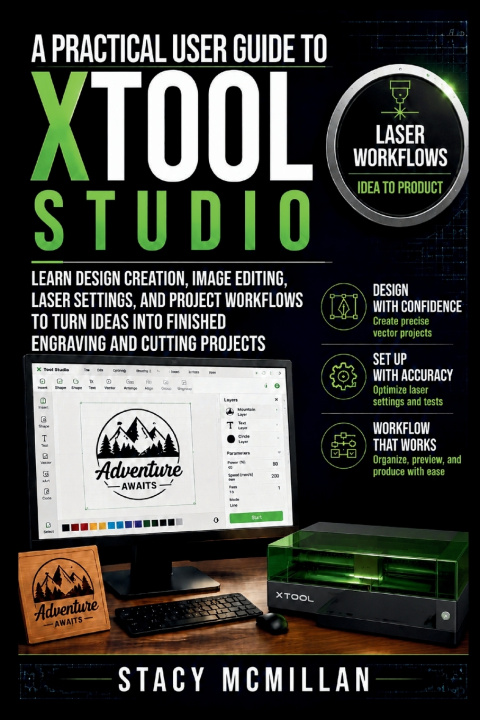
A Practical User Guide To xTool Studio
Learn Design Creation, Image Editing, Laser Settings, and Project Workflows to Turn Ideas Into Finished Engraving and Cutting Projects
 engleză
 42 b
42 b
 Curând
 Nou
Nou
Până la 30 de zile pentru returnare

Many xTool Studio users have great project ideas but struggle when turning those ideas into finished products. Understanding the software interface, preparing files correctly, choosing suitable settings, and avoiding processing mistakes can make laser projects more difficult than expected.
This Guide was created to solve these challenges by providing a practical reference for understanding the complete design and production workflow. Instead of focusing only on individual tools, this guide explains how each part of the process connects, from creating a design to producing a finished engraved or cut item.
Readers will learn how to work with design elements, import and prepare images, organize projects, configure important settings, connect software with laser equipment, and improve results through better preparation methods. Troubleshooting guidance helps users handle common problems related to files, connections, settings, and output quality.
This handbook supports beginners building their first projects and experienced users looking for a clearer way to organize their workflow. It provides practical knowledge that helps reduce mistakes, save time, and create more consistent results from each project.
Build a stronger understanding of xTool Studio and develop a workflow that helps turn creative ideas into finished laser projects.


Informații despre carte
engleză
